Infographics
How To Customize Premium PowerPoint Templates For Your Brand In 2026
Apr
In 2026, presentations are no longer just about delivering information. They are a reflection of your brand identity, professionalism, and attention to detail. Businesses, marketers, and professionals increasingly rely on visually compelling presentations to communicate ideas, pitch services, and engage audiences. This is where premium PowerPoint templates play a crucial role.
Understanding how to customize premium PowerPoint templates for your brand in 2026 involves more than changing colours or adding a logo. It requires a strategic approach that ensures consistency across all elements, including typography, imagery, tone, and messaging.
With evolving design trends and increased competition for attention, audiences now expect clean, cohesive, and engaging visuals. Customising templates allows you to adapt pre-designed slides to meet these expectations while maintaining efficiency. Instead of starting from scratch, you can focus on refining the design to reflect your brand personality and goals.
Understanding the anatomy of premium PowerPoint templates
Modern premium templates are built with modular design principles, featuring editable elements like color schemes, typography systems, icon libraries, and placeholder graphics. These templates often include advanced features such as animated transitions, interactive elements, and responsive layouts that adapt to different screen sizes essential for hybrid presentations in 2026.
The key components that make premium templates worth the investment include:
Essential brand elements to incorporate in your customization
Successful template customization begins with understanding your brand’s visual DNA. Research from Brand Guidelines Institute (2026) shows that presentations incorporating all five core brand elements logo, colors, typography, imagery style, and voice achieve 67% higher engagement rates than partially branded presentations.
Your primary focus should be on these fundamental elements:
Logo placement and sizing standards
Position your logo consistently across all slides, typically in the bottom right corner or header area. Maintain minimum size requirements to ensure visibility across different devices and projection scenarios. PowerPoint premium themes often include dedicated logo placeholder areas that automatically resize and position your brand mark appropriately.
Step-by-step customization process for maximum impact
The most effective approach to customizing premium PPT templates follows a systematic methodology that preserves the template’s design integrity while infusing your brand identity. Industry professionals recommend starting with master slide modifications before customizing individual slides.
Phase 1: Master slide foundation
Begin by accessing PowerPoint’s Slide Master view (View > Slide Master). This foundational step allows you to make universal changes that cascade throughout your entire presentation. Replace placeholder logos, adjust color themes, and establish typography hierarchies that will automatically apply to all slides.
Phase 2: Content hierarchy and messaging
Adapt the template’s content structure to match your brand’s communication style. If your brand voice is conversational, modify formal template language accordingly. Data from Presentation Effectiveness Study (2026) reveals that presentations aligned with brand voice show 34% better audience retention compared to generic presentations.
Phase 3: Visual consistency checks
Perform comprehensive reviews of all visual elements, ensuring consistent spacing, alignment, and sizing across slides. Use PowerPoint’s alignment tools and smart guides to maintain professional standards throughout your customization process.
Advanced techniques for professional customization
Beyond basic brand integration, advanced customization techniques can transform premium templates into truly distinctive presentation assets. These methods require more time investment but deliver exponentially better results in professional settings.
Custom animation and transition sequences
Modern audiences expect dynamic presentations that maintain engagement throughout. Customize existing animations to match your brand’s energy level—tech companies might use quick, sharp transitions while financial institutions prefer subtle, professional movements.
Common mistakes to avoid during template customization
Even experienced professionals make critical errors when customizing premium templates. Learning from these common pitfalls can save hours of revision work and prevent presentation disasters.
The most frequent mistake is over-customization attempting to change every design element rather than building upon the template’s existing strengths. Template designers spend months perfecting visual hierarchies and spacing relationships that shouldn’t be casually disrupted.
Another prevalent error involves ignoring accessibility standards. Ensure color contrasts meet WCAG guidelines and text remains readable across different devices and viewing conditions. Premium corporate slides should accommodate diverse audience needs without compromising visual appeal.
Tools and resources for efficient customization workflow
Professional designers rely on specific tools and resources to streamline their template customization process. PowerPoint’s built-in features have evolved significantly, but third-party solutions can enhance efficiency and results.
PowerPoint 2026 includes advanced design AI features that suggest brand-appropriate colors, fonts, and layouts based on your existing brand assets. These intelligent recommendations can accelerate customization while maintaining professional design standards.
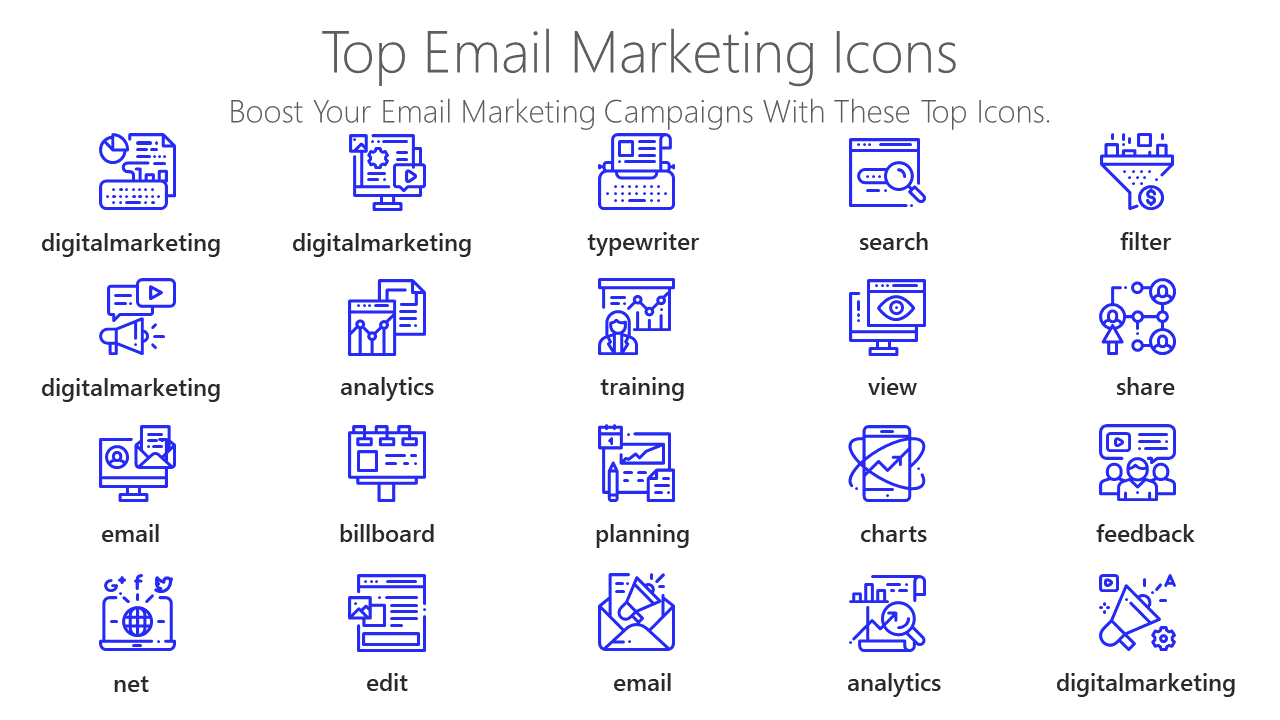
Consider utilizing design asset libraries like professional infographics and premium icon setsto enhance your customized templates with high-quality visual elements that align with contemporary design trends.
Measuring the success of your customized presentations
Effective template customization should deliver measurable improvements in audience engagement and business outcomes. Track key performance indicators to validate your customization efforts and identify areas for continuous improvement.
Monitor metrics such as presentation completion rates, audience questions generated, follow-up meeting requests, and conversion rates for sales presentations. Companies using customized premium templates report 45% higher meeting-to-conversion rates compared to generic presentations, according to Sales Presentation Analytics (2026).
Implement feedback collection systems to gather audience insights about visual appeal, message clarity, and overall presentation effectiveness. This qualitative data complements quantitative metrics and guides future customization decisions.
Future-proofing your customized templates for 2026 and beyond
As presentation technology continues evolving, your customized templates must adapt to emerging trends and platforms. Virtual and augmented reality presentations are becoming mainstream, requiring template designs that translate effectively across multiple viewing experiences.
Artificial intelligence integration in presentation software is accelerating, with smart templates that automatically adjust layouts, suggest content improvements, and optimize designs for specific audiences. Prepare your customization workflow to leverage these technological advances while maintaining brand consistency.
Consider creating template variations optimized for different presentation contexts investor pitches, internal meetings, conference presentations, and client proposals each require subtle customization adjustments to maximize effectiveness.
Conclusion
Customizing editable premium PowerPoint templates for your brand represents a strategic investment in professional communication excellence. By following systematic customization processes, avoiding common mistakes, and leveraging advanced techniques, you can transform generic templates into powerful brand ambassadors that engage audiences and drive business results.
The key to successful template customization lies in balancing brand integration with design integrity, ensuring your presentations maintain professional appeal while clearly communicating your unique value proposition. As presentation technology continues evolving throughout 2026 and beyond, your customized templates will serve as versatile assets that adapt to new platforms and audience expectations.
Ready to elevate your presentation game with professionally customized templates? Explore our comprehensive collection at PPT Infographicsand discover how premium design assets can transform your business communications. For personalized guidance on template customization strategies, contact our design expertswho can help you create presentation assets that perfectly reflect your brand identity and communication goals.
Frequently asked questions
What makes premium PowerPoint templates worth the investment over free alternatives?
Premium templates offer professional design quality, extensive customization options, and advanced features like animated elements and interactive components. They typically include 15-20 master slide layouts compared to 5-8 in free templates, providing greater flexibility for brand customization and professional presentation needs.
How long should I spend customizing a premium template for my brand?
Complete template customization typically requires 3-5 hours for comprehensive brand integration, including master slide modifications, color scheme updates, typography alignment, and content adaptation. Basic customization focusing on logos and colors can be completed in 1-2 hours.
Can I customize premium templates without design experience?
Yes, premium templates are designed for user-friendly customization. Most changes involve replacing placeholder content, adjusting colors through built-in theme options, and updating logos. PowerPoint’s 2026 AI design assistant provides intelligent suggestions to help non-designers achieve professional results.
What are the most important brand elements to customize first?
Prioritize logo integration, color scheme alignment, and typography consistency as these elements have the highest impact on brand recognition. These three changes alone can transform a generic template into a branded presentation asset that resonates with your audience.
How do I ensure my customized templates work across different devices?
Test your customized presentations on various screen sizes and devices, including laptops, tablets, and projection systems. Use PowerPoint’s design checker feature and maintain appropriate font sizes (minimum 24pt for body text) to ensure readability across all viewing conditions.