Uncategorized
Business Presentation Tips to Engage Your Audience Using Professional PowerPoint Templates

Mar
Business presentations are a key part of how ideas are shared, decisions are made, and strategies are communicated. Whether you are presenting to clients, leadership teams, or internal stakeholders, the ability to hold attention and deliver information clearly can directly influence outcomes.
Many professionals rely on professional PowerPoint templates to simplify design and maintain consistency. While templates help improve the visual structure of slides, engagement depends on how effectively content is organized, visualized, and delivered.
This guide explains how to create engaging business presentations using professional PowerPoint templates, when to use infographic slides, and how to make your message clear without overwhelming your audience.
Why Engagement Is Important in Business Presentations
Engagement is what determines whether your audience listens, understands, and remembers your message. A presentation that lacks engagement often results in low attention, missed insights, and limited impact.
When an audience is engaged, they are more likely to stay focused, process information more effectively, and participate in discussions. This is especially important in business settings where decisions are based on the information presented.
Clear structure, relevant visuals, and concise messaging are essential elements that contribute to engagement. Without these, even well-prepared content can become difficult to follow.
How Professional PowerPoint Templates Improve Presentations
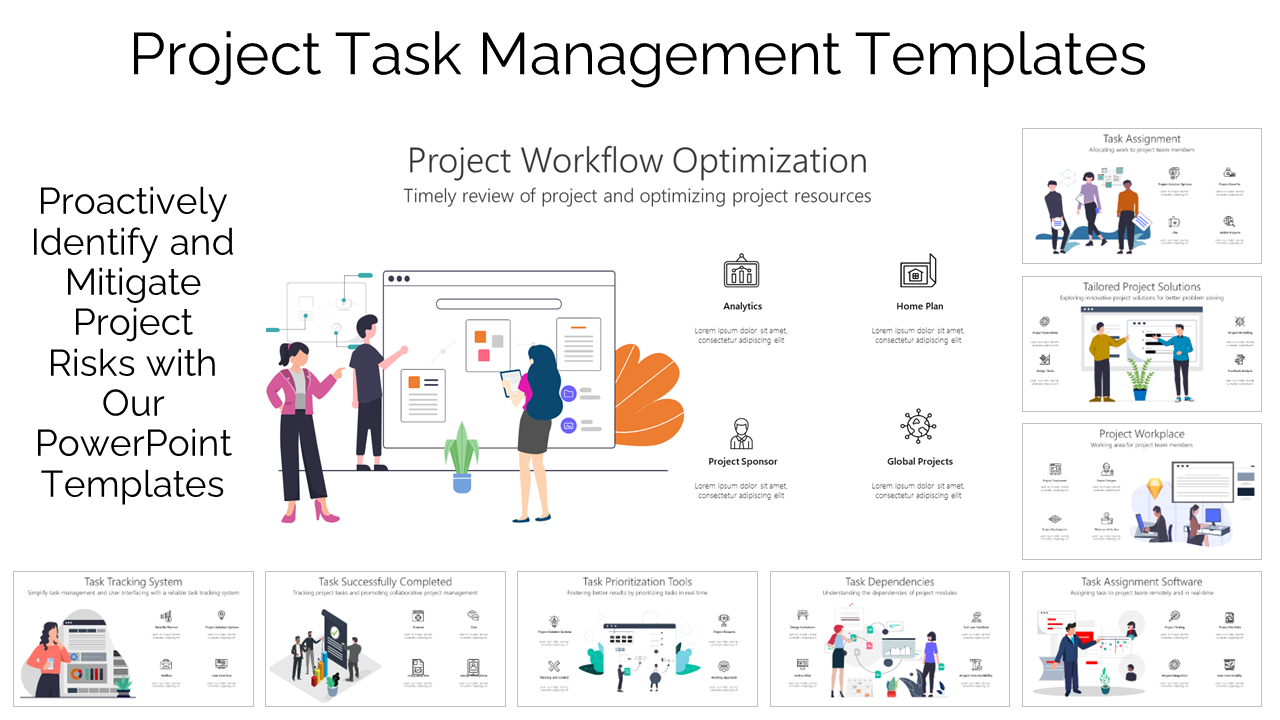
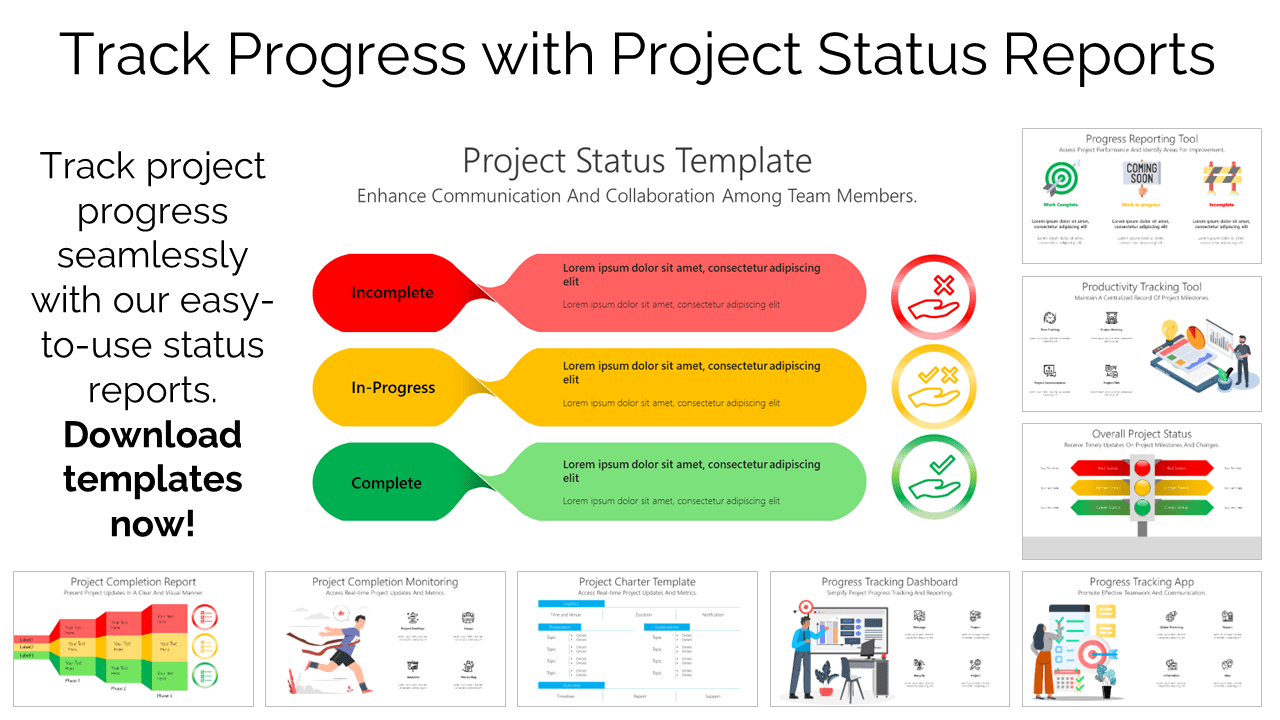
Professional PowerPoint templates provide a strong foundation for creating structured and visually consistent presentations. They are designed with predefined layouts, balanced spacing, and coordinated design elements that improve readability.
Using templates reduces the time spent on formatting and allows you to focus more on the message itself. When you download ppt templates you gain access to layouts that are specifically built for business communication, including sections for data, summaries, and visual highlights.
Templates also help maintain consistency across slides, which is important for keeping the audience focused. Inconsistent design can be distracting and reduce the overall clarity of the presentation.
Building a Clear and Logical Presentation Structure
A well-structured presentation helps guide the audience from one idea to the next without confusion. It ensures that information is delivered in a logical sequence and makes it easier for listeners to follow along.
Start by defining the purpose of your presentation. This could be to explain a concept, present findings, or propose a solution. Once the objective is clear, organize your content into a simple flow that includes an introduction, key points, supporting information, and a conclusion.
Each slide should communicate one main idea. Trying to include too much information on a single slide can reduce clarity and make it harder for the audience to absorb key points. Professional PowerPoint templates support this approach by offering layouts that naturally separate content into manageable sections.
Using Infographic Slides to Simplify Complex Information
Presenting complex data or processes in text form can quickly become overwhelming. This is where infographic slides become useful. They combine visuals and minimal text to present information in a structured and easy-to-understand format.
Instead of creating visuals from scratch, you can buy single infographic slide that matches your specific content needs. This approach allows you to present data more effectively while saving time on design.
Infographic slides are particularly useful for:
-
Showing step-by-step processes
-
Comparing multiple options
-
Presenting statistics or trends
-
Explaining workflows
By using visuals, you reduce the cognitive effort required to understand the information, making it easier for the audience to stay engaged.
Enhancing Slides with Icons and Visual Elements
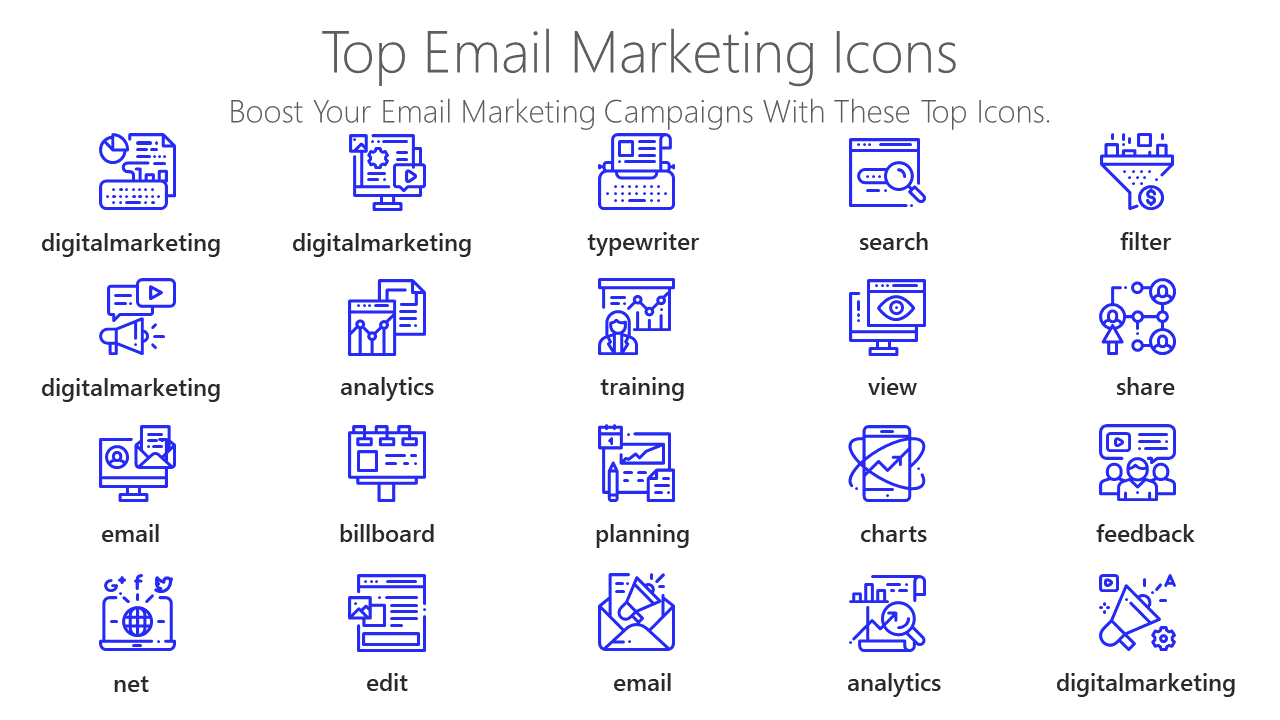
Visual elements such as icons play an important role in making presentations easier to understand. Icons act as visual shortcuts that help communicate ideas quickly without relying heavily on text.
Using PowerPoint icons can improve clarity by breaking down complex ideas into simple visual representations. They also help guide the audience’s attention to key points on the slide.
In addition to icons, charts and graphs are useful for presenting numerical data. A well-designed chart allows the audience to identify patterns and insights at a glance. Keeping these visuals simple and focused ensures that they support the message rather than distract from it.
Designing Slides That Are Easy to Read
Slide design has a direct impact on how well your content is understood. Poorly designed slides can make it difficult for the audience to follow along, even if the information itself is valuable.
Consistency is one of the most important aspects of design. Using the same fonts, colors, and layout styles throughout the presentation creates a cohesive experience. This is where professional PowerPoint templates are particularly useful, as they ensure uniformity across all slides.
Text should be large enough to read comfortably, and headings should clearly stand out. Avoid using long paragraphs on slides. Instead, focus on short, clear points that can be explained verbally.
Spacing is equally important. Leaving enough space between elements prevents slides from feeling crowded and improves overall readability.
Delivering Your Presentation Effectively
Even with well-designed slides, delivery plays a key role in engagement. The way you present your content can determine how well it is received.
One effective method is to present information in a structured narrative. Instead of listing facts, connect ideas in a logical sequence that builds understanding. This makes the presentation more relatable and easier to follow.
Encouraging interaction can also improve engagement. Asking questions or inviting input helps keep the audience involved and attentive.
Maintaining a steady pace is important as well. Speaking too quickly can make it difficult for the audience to process information, while speaking too slowly may reduce interest. A balanced pace ensures clarity and keeps attention focused.
Common Presentation Mistakes and How to Avoid Them
| Mistake | Impact on Presentation | How to Improve |
|---|---|---|
| Overloading slides with text | Decreases clarity and audience engagement | Keep content concise and use visual elements |
| Inconsistent design and formatting | Creates distraction and reduces professionalism | Maintain a consistent layout and template |
| Insufficient use of visuals | Makes information harder to grasp | Incorporate charts, icons, and infographics |
| Lack of clear structure | Leads to audience confusion | Organize content with a logical flow |
Recognizing and addressing these mistakes can significantly improve the effectiveness of your presentations.
Adapting Templates for Different Business Scenarios
Professional PowerPoint templates can be adapted for a wide range of business needs. Whether you are preparing a sales presentation, a performance report, or a training session, templates provide a flexible starting point.
Customization allows you to align the design with your content while maintaining a consistent look. This includes adjusting layouts, incorporating relevant visuals, and organizing information in a way that suits your audience.
Templates are not restrictive. Instead, they provide a structured framework that supports clear communication.
Advantages of Using Ready-Made Presentation Resources
Using ready-made presentation resources can save time and improve efficiency. Instead of designing slides from scratch, you can rely on professionally designed assets that are ready to use.
When you download ppt templates you reduce the effort required for formatting and ensure that your slides maintain a professional appearance.
Ready-made resources also help minimize errors and inconsistencies, allowing you to focus on refining your message and delivery.
Preparing Before You Present
Preparation is essential for delivering a successful presentation. Reviewing your slides in advance helps identify areas that may need improvement or clarification.
Practicing your presentation allows you to become more comfortable with the content and improves confidence. It also helps you manage timing and ensure that each section is covered effectively.
Checking technical details, such as display settings and compatibility, ensures that your presentation runs smoothly without interruptions.
Selecting the appropriate slide type ensures that your content is presented in the most effective way.
Improving Your Presentation Skills Over Time
Strong presentation skills are developed through practice and continuous improvement. Reviewing previous presentations and gathering feedback can help identify areas for growth.
Trying different formats and visual approaches can also help refine your style. Over time, these improvements lead to more effective and engaging presentations.
If you require additional guidance or have specific requirements, you can reach out through
contact support
to explore available resources.
Frequently Asked Questions
What are professional PowerPoint templates?
Professional PowerPoint templates are pre-designed slide layouts that help create structured and visually consistent presentations.
What is the benefit of using infographic slides?
Infographic slides make complex information easier to understand by combining visuals and concise text.
Where can I download ppt templates?
You can access a variety of templates by visiting download ppt templates.
Can I use single infographic slides instead of full templates?
Yes, you can buy single infographic slide to address specific needs without using a complete template set.
How do icons improve presentations?
Icons help represent ideas visually, reducing the need for text and making slides easier to understand.
Conclusion
An engaging business presentation is built on clear structure, thoughtful design, and effective delivery. Professional PowerPoint templates, infographic slides, and visual elements such as icons support this process by improving clarity and organization.
By focusing on both content and presentation techniques, you can create slides that communicate ideas clearly and keep your audience engaged from start to finish.